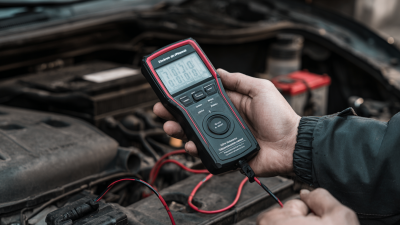
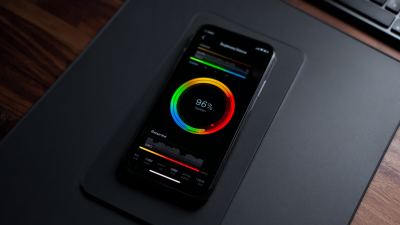
In today’s world, where tech is everywhere, how well your device’s battery lasts can seriously make or break your experience. I mean, according to Statista, most folks tend to ditch their smartphones every two to three years. And a big reason for that? Battery health. It’s kinda crazy how much that little thing affects overall performance, right? That’s why tools like a Battery Health Checker are pretty handy—they can help you keep tabs on your battery’s condition before things go south.
Basically, using a Battery Health Checker means you can see how much capacity your battery still has and catch any issues early on. Did you know, according to Battery University, lithium-ion batteries tend to lose around 20% of their capacity after just two years? Many people overlook this, and then suddenly their phone starts shutting down unexpectedly or runnin’ way slower than it used to. So, keeping an eye on your battery health isn’t just about avoiding frustration—it’s also a smart move for making your device last longer, which is good for the environment and your wallet.
Even with all the new tech out there, a lot of folks still don’t really understand what’s going on under the hood with their batteries. Doing regular checks can unearth problems early on, so you can fix or manage them before they get worse. Honestly, embracing a Battery Health Checker is a simple way to stay ahead of the game when it comes to your device. It encourages you to think about how you’re using your phone or tablet, and helps you make smarter choices to keep it running smoothly for longer.
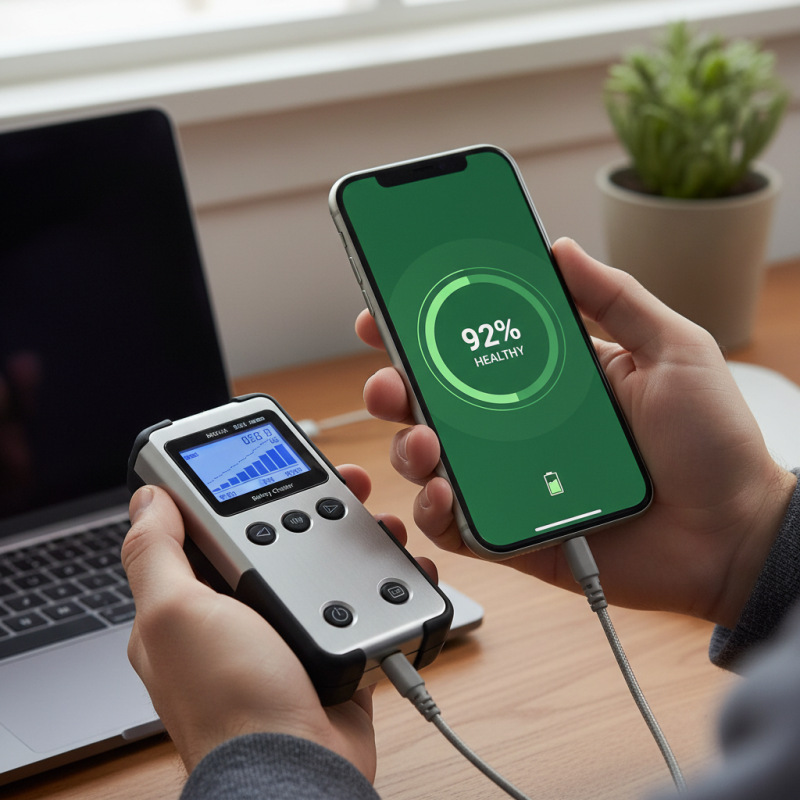
Understanding Battery Health: What It Is and Why It Matters
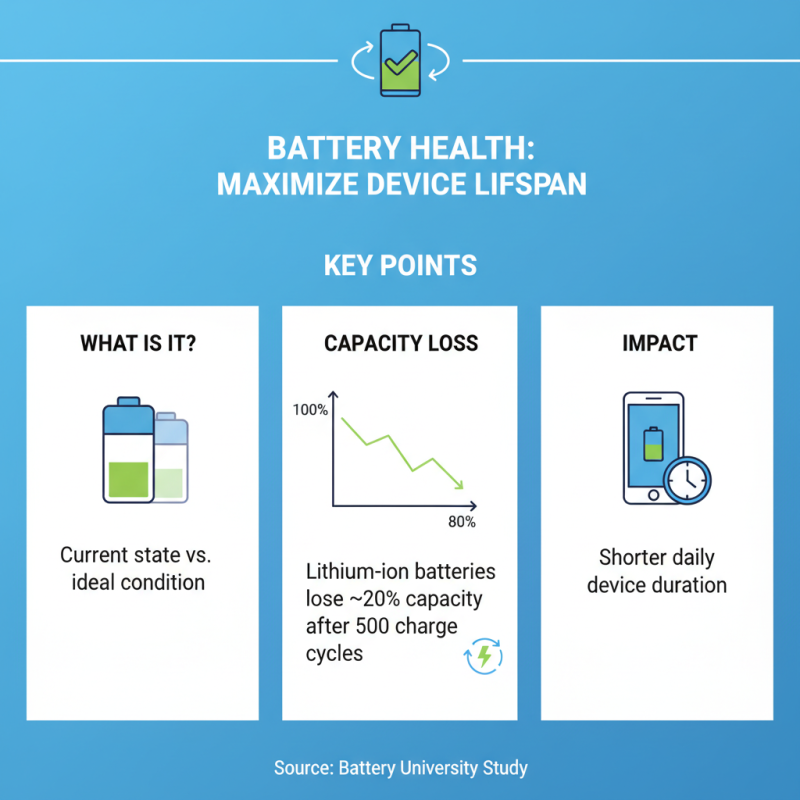
Understanding battery health is crucial for maximizing the lifespan of your devices. Battery health refers to the current state of a battery compared to its ideal condition. A recent study by the Battery University revealed that lithium-ion batteries typically lose 20% of their capacity after 500 charge cycles. This decline can affect how long your device lasts each day.
Monitoring battery health helps users make informed decisions. When a battery is operating below 80% capacity, it may need replacing. Repairing or replacing a battery can enhance your device's performance. A fully functional battery can lead to better productivity. Many users underestimate this aspect until their devices start malfunctioning.
A utility tool can check battery health easily. It provides insights into capacity, voltage, and charge cycles. The information can guide your usage habits. For instance, keeping your battery between 20% and 80% can mitigate capacity loss, as advised by various tech resources. Ignoring battery health could lead to unexpected shutdowns or other performance issues, which can be frustrating. Regular checks can help in making proactive decisions about replacement.
Key Metrics: Interpreting Battery Capacity and Cycle Count
Understanding battery capacity and cycle count is crucial for device longevity. Battery capacity refers to how much charge a battery can hold. You'll see it measured in milliampere-hours (mAh). A higher capacity means the battery lasts longer between charges. When your device starts needing frequent recharges, it’s a signal that capacity may be waning.
Cycle count quantifies how many full charge cycles a battery has gone through. One full cycle means using 100% of the battery’s capacity, though not necessarily in one go. Tracking this can reveal how the battery is aging. If your cycle count is high, it’s time to act. A Battery Health Analyzer can help monitor these metrics clearly.
Neglecting these details can cut down your device's life significantly. Many users overlook these figures. They might think a slow charge is normal. But, it often hides issues with battery health. Regularly checking these key metrics can help you make informed decisions. Replace the battery or take other measures to extend your device's usability.
Battery Capacity and Cycle Count Analysis
This chart depicts the relationship between battery capacity and cycle count for various devices. Monitoring these metrics can help you manage battery health and extend your device's lifespan.
How to Choose the Right Battery Health Checker for Your Device
Choosing the right battery health checker is crucial for device longevity. Start by considering compatibility. Not every Battery Health Tester works with every device. Check specifications carefully. Some are designed for smartphones, while others cater to laptops and tablets. This can prevent frustrating situations where your device's health remains unknown.
Next, look at features. You want a Battery Health Tester that provides detailed insights. Simple readouts may miss important data. A quality checker will show charge cycles, voltage levels, and overall health percentages. These details can guide you in making informed decisions about battery maintenance. Investing time in research can save you from costly mistakes later.
Finally, keep in mind user reviews. They often reveal hidden flaws you might not see initially. A device may seem perfect, but real-world performance can differ. There will always be some level of uncertainty when choosing a checker. Reflect on your options. A reliable battery health tester will extend your device's life and optimize performance, making it worth the effort to find the right one.
Step-by-Step Guide to Using a Battery Health Checker
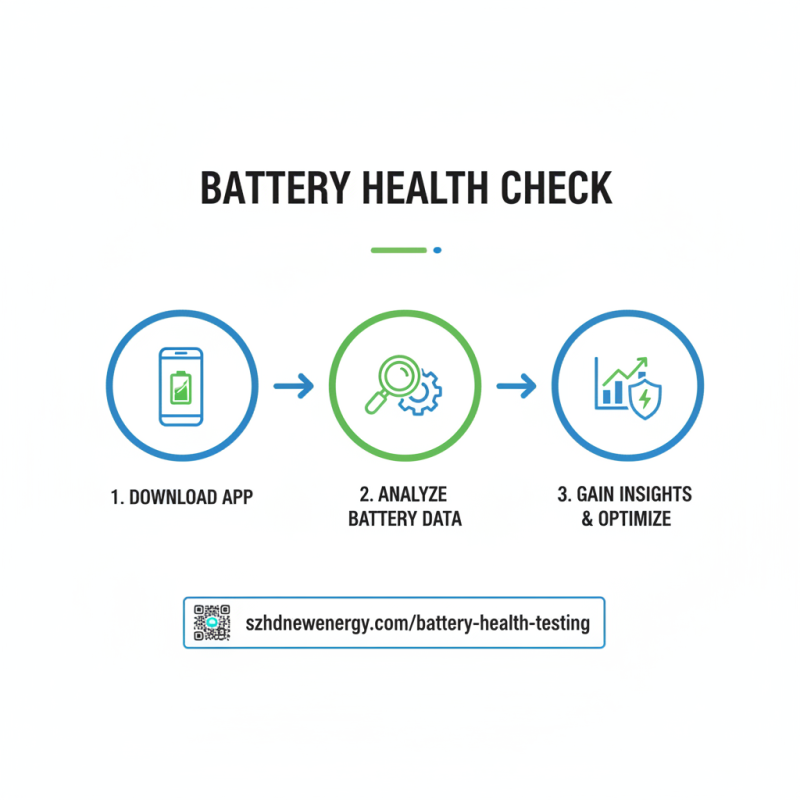
Using a battery health checker can help you understand your device's performance. This tool analyzes your battery's condition and provides valuable insights. Begin by downloading a reliable Battery Health Testing app or software on your device. Ensure it is compatible before proceeding.
Once installed, open the app. It will typically display key metrics, such as your battery's charge capacity and cycle count. Take note of these numbers. They indicate how much your battery has aged. If the capacity is significantly lower than its original value, it may be time for a replacement.
Interpreting the results can be tricky. Sometimes, numbers seem fine, yet the device drains quickly. Look for other symptoms, like overheating or sudden shutdowns. These signs indicate underlying issues beyond what the battery health checker reveals. Reflect on your device usage habits, too. Frequent charging or high-performance tasks can speed up battery wear. Regular Battery Health Testing can guide necessary adjustments.
Analyzing Battery Health Reports: Identifying Issues and Solutions
Analyzing battery health reports is crucial for anyone looking to extend their device's life. A battery health checker provides valuable insights into a battery's condition. It reveals key metrics like capacity, cycle count, and charge cycles. These details help users pinpoint potential issues. If a battery is often overcharged, it may show a reduced lifespan. Users should regularly check these reports to stay informed.
Identifying issues is just the beginning. Once you've gathered data, consider solutions. If your battery shows signs of wear, reducing screen brightness or disabling background apps can help. These simple tweaks can preserve energy. Sometimes, a software update fixes underlying problems. However, not every issue has a straightforward solution. Users often overlook the importance of optimizing settings. Adjusting your charging habits can be beneficial.
Reflecting on charging practices is important. Charging overnight can lead to battery stress. It might seem convenient, but the long-term impacts are significant. Not every device sustains the same charging routine well. It's essential to adapt based on individual usage patterns. Balancing performance and longevity requires thoughtful analysis of battery health reports. This ongoing process can help preserve your device for longer.
Best Practices to Extend Battery Life Based on Health Checker Data
Using a Lithium Battery Checker provides insightful data about your device's battery health. Regular checks help identify issues early. For example, if the battery capacity drops significantly, it might be time to replace it. Awareness of your battery’s condition is crucial for longevity.
Monitoring the battery health can lead to better usage habits. For instance, charging your device to 80% instead of 100% can help preserve its lifespan. Also, avoid exposing your device to extreme temperatures. Keeping it in a cool, dry environment can prevent unnecessary damage. These small adjustments can make a noticeable difference.
Another practical tip involves closing unused applications. Background processes drain battery life faster than one might realize. Additionally, setting your display brightness to a lower level can extend battery duration. These practices, when informed by data from a Lithium Battery Checker, can optimize your device's performance while delaying wear and tear. Embracing these habits encourages mindful technology use.
Regular Maintenance: How Often to Check Your Device's Battery Health
Keeping your device's battery in good health is vital for optimal performance. Regular checks can prevent sudden failures. Ideally, you should check your battery health every month. This simple step can greatly enhance your device's longevity. However, busy schedules can make it easy to overlook this task.
When performing a battery health check, pay attention to key indicators like charge cycles and capacity. If you notice a significant drop in capacity, it may be time for a replacement. Sometimes, devices fade faster than expected. Ignoring small signs can lead to bigger issues later. A well-maintained battery not only functions longer but also preserves device performance.
If you find it hard to remember, set reminders on your calendar. This can help. Yet, even with reminders, it’s not foolproof. You may still forget occasionally. Reflecting on your habits will help you stay proactive. Establishing a routine is crucial; a small effort today can lead to a better experience tomorrow.
Maximizing Energy Efficiency: Insights from Industry Reports on High-Precision Battery Testing Systems for Voltage Monitoring
The evolution of battery technologies necessitates the adoption of high-precision testing systems, particularly for voltage monitoring. Recent industry reports emphasize the critical importance of energy efficiency in battery systems, indicating that optimal testing can improve performance and longevity. The introduction of advanced battery testing cabinets, such as the 6U model, is pivotal in meeting the rigorous demands of contemporary battery research and development.
This 6U battery testing cabinet is specifically designed to address the growing need for multi-channel testing in larger-scale applications. With capabilities to measure voltages of 30V, 60V, 100V, and 120V, this system can efficiently accommodate up to 8 channels simultaneously. Such versatility is crucial for industries aiming to enhance energy performance and reliability. According to a recent study, efficient voltage monitoring can lead to a reduction in energy waste by up to 20%, significantly impacting overall battery efficiency.
Furthermore, precise voltage monitoring facilitates better data collection and analysis, essential for informing design improvements and ensuring compliance with industry standards. Reports suggest that integrating advanced testing systems not only supports enhanced accuracy but also accelerates the development cycle of battery technologies. Therefore, leveraging systems like the 6U battery testing cabinet is instrumental in driving innovation and sustainability in energy storage solutions.
FAQS
: The product aims to enhance daily convenience and improve overall quality of life. It solves common problems many face.
It is designed for adults of all ages. However, some may find it more beneficial than others.
Some users report minor issues. It's essential to listen to your body and make adjustments as needed.
Follow the instructions provided in the manual. Ensure you understand each step before proceeding.
Yes, it's meant for regular use. However, consider taking breaks if you experience discomfort.
Results can vary among individuals. Reflect on your routine and possible changes you can make.
Follow the guidelines mentioned in the instructions. Too much may lead to diminished effects.
Keep it in a cool, dry place. Avoid exposing it to humidity or direct sunlight.
Some combinations may enhance effects. Yet, be cautious and consult a professional if unsure.
Many users find value quickly. However, check available options or guarantees before purchasing.
Conclusion
The article "How to Use a Battery Health Checker to Extend Your Device Life" emphasizes the importance of understanding battery health and its impact on device longevity. It starts by defining battery health and discussing key metrics such as battery capacity and cycle count, enabling users to gauge their device's performance accurately. A comprehensive guide helps readers choose the right Battery Health Checker for their specific devices and provides a step-by-step approach to using these tools effectively.
Moreover, the article outlines how to analyze battery health reports to pinpoint issues and suggests solutions to improve performance. Best practices for extending battery life, based on data from the Battery Health Checker, are also shared, along with recommendations for regular maintenance to monitor battery status. This proactive approach ensures users can maximize their device's lifespan and maintain optimal functionality.

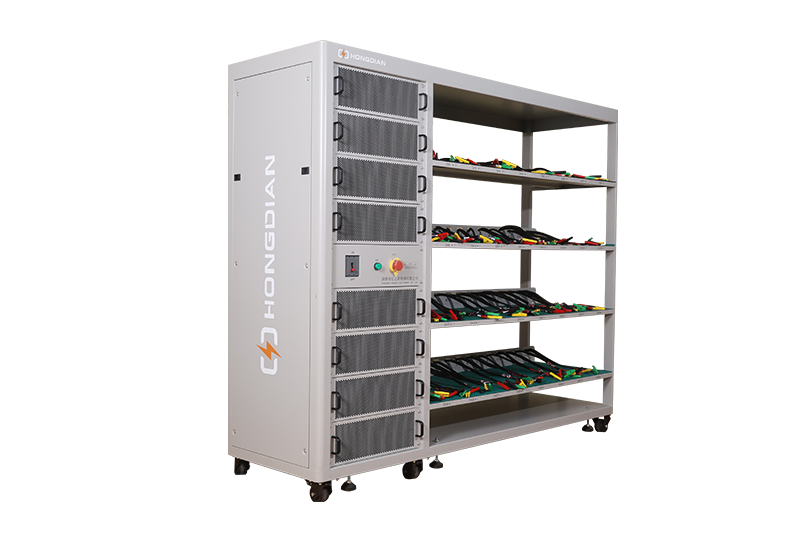 32/48 channel battery charging and discharging test integrated battery cabinet
  40 channel battery charging and discharging test integrated battery cabinet
  64 channel battery charging and discharging test integrated battery cabinet
 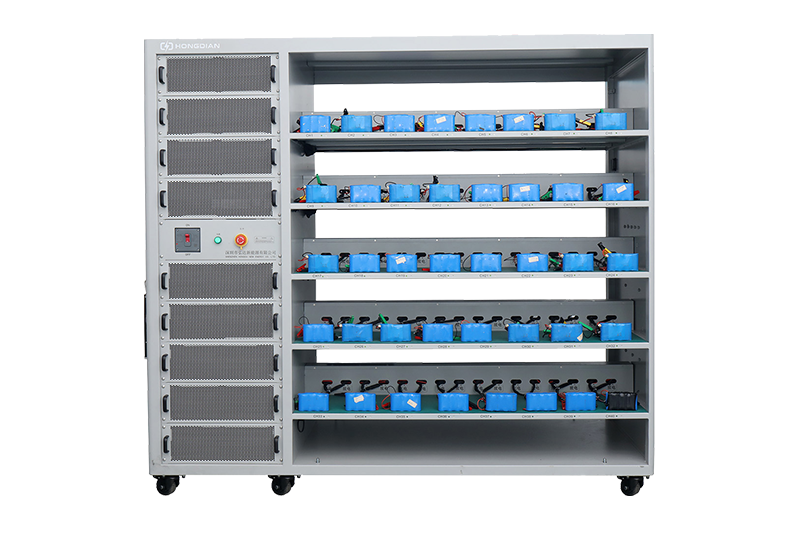 80 channel battery charging and discharging test integrated battery cabinet
 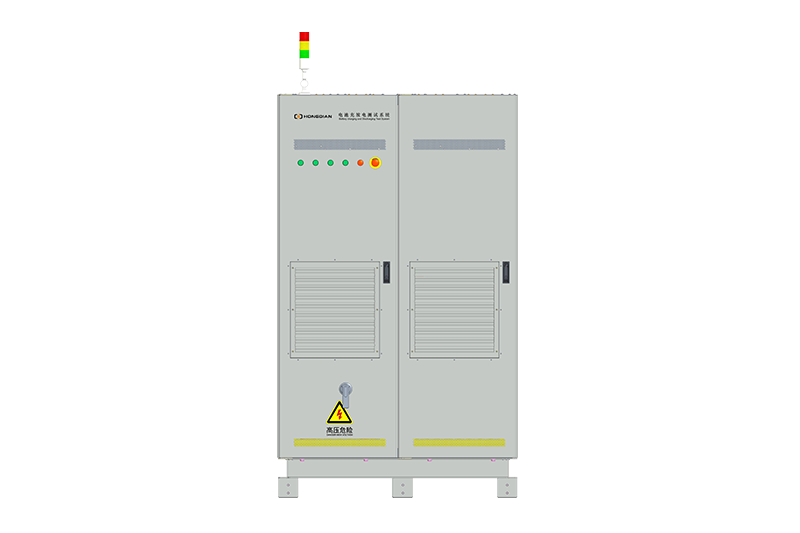 1000V-1500V High Voltage High Current Battery Testing System
 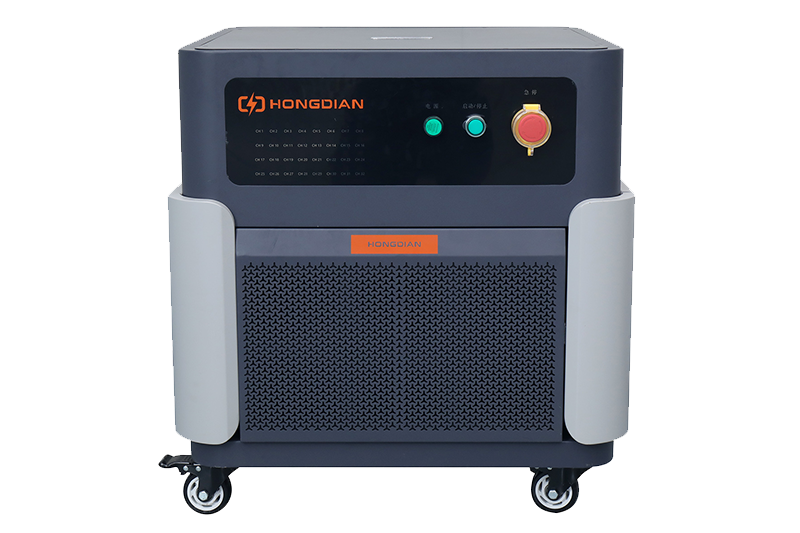 High-Precision Battery Testing System for Enhanced Performance Monitoring 30V/60V/100V/120V
 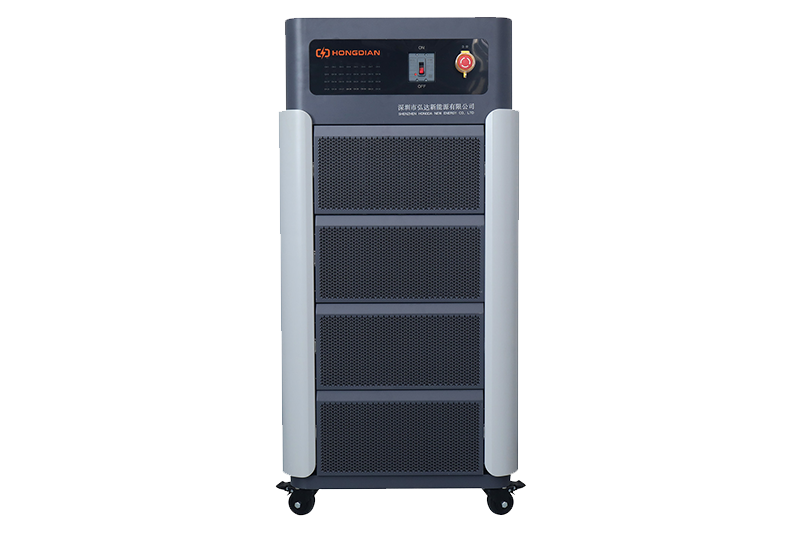 High-Precision Battery Charge Discharge Test Systems for EV Manufacturers
 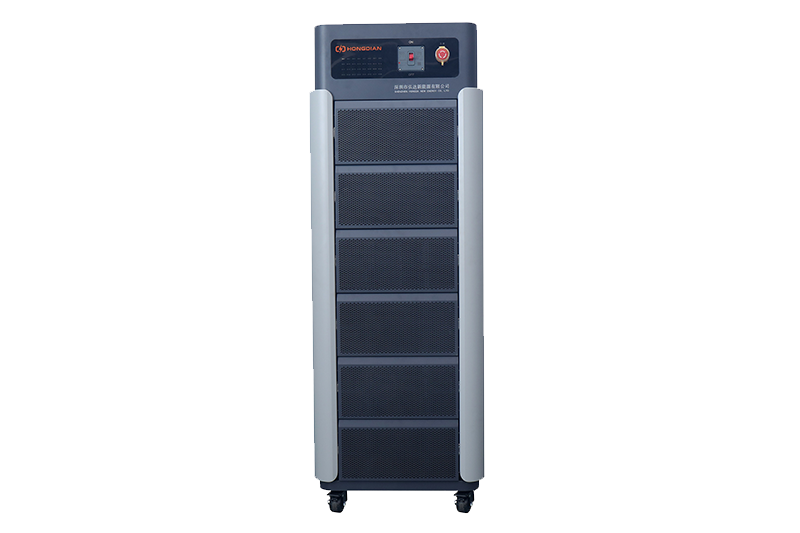 Precision Battery Test Racks for Cell Capacity & Internal Resistance Measurement
  Multi-Channel Battery Testing Equipment for Parallel Performance Analysis